
Share Company Vehicles
with Control, Transparency, and Cost Clarity
Enable employees to book and access shared vehicles while giving fleet and mobility managers full oversight of usage, costs, and compliance across locations and teams, everything in one corporate car sharing software.
The Corporate Mobility Challenge
Why Corporate Fleets Struggle to Scale

Idle Vehicles, Rising Costs
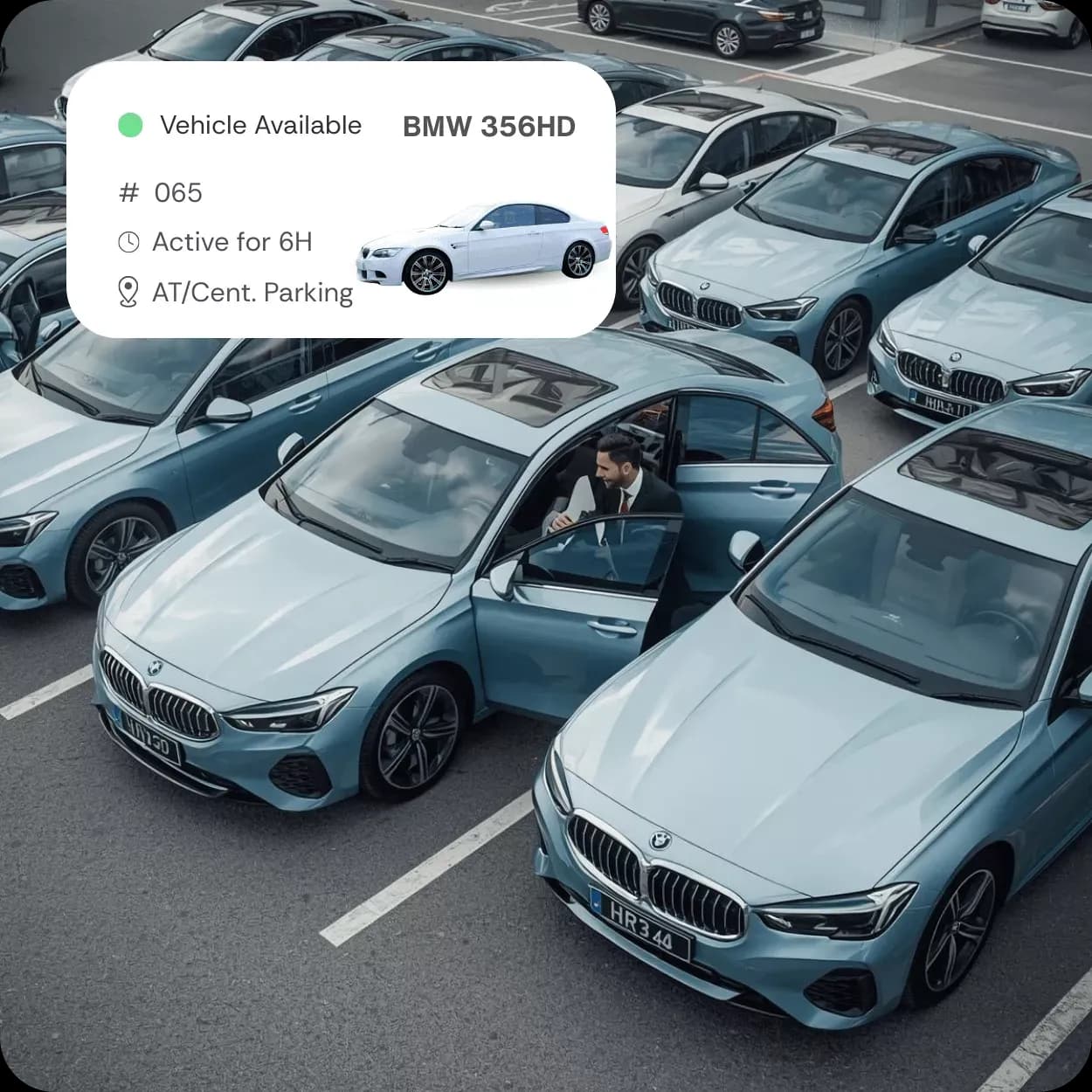
Many corporate fleets sit unused for large parts of the day. Vehicles assigned to individuals or departments often remain parked while costs for leasing, insurance, and maintenance continue to accumulate.

Manual Processes Limit Scale
Bookings handled through emails, spreadsheets, or key cabinets create friction for employees and extra work for fleet teams. These processes do not scale as organizations grow or operate across multiple locations.

Limited Visibility and Cost Control
Without structured data on who used a vehicle, for what purpose, and at what cost, mobility expenses are difficult to attribute. This lack of transparency makes budgeting, internal chargeback, and optimization unreliable.
Booking, Access, and Daily Use
Simple Access and Predictable Use Across Shared Corporate Vehicles

Self-Service Vehicle Reservations
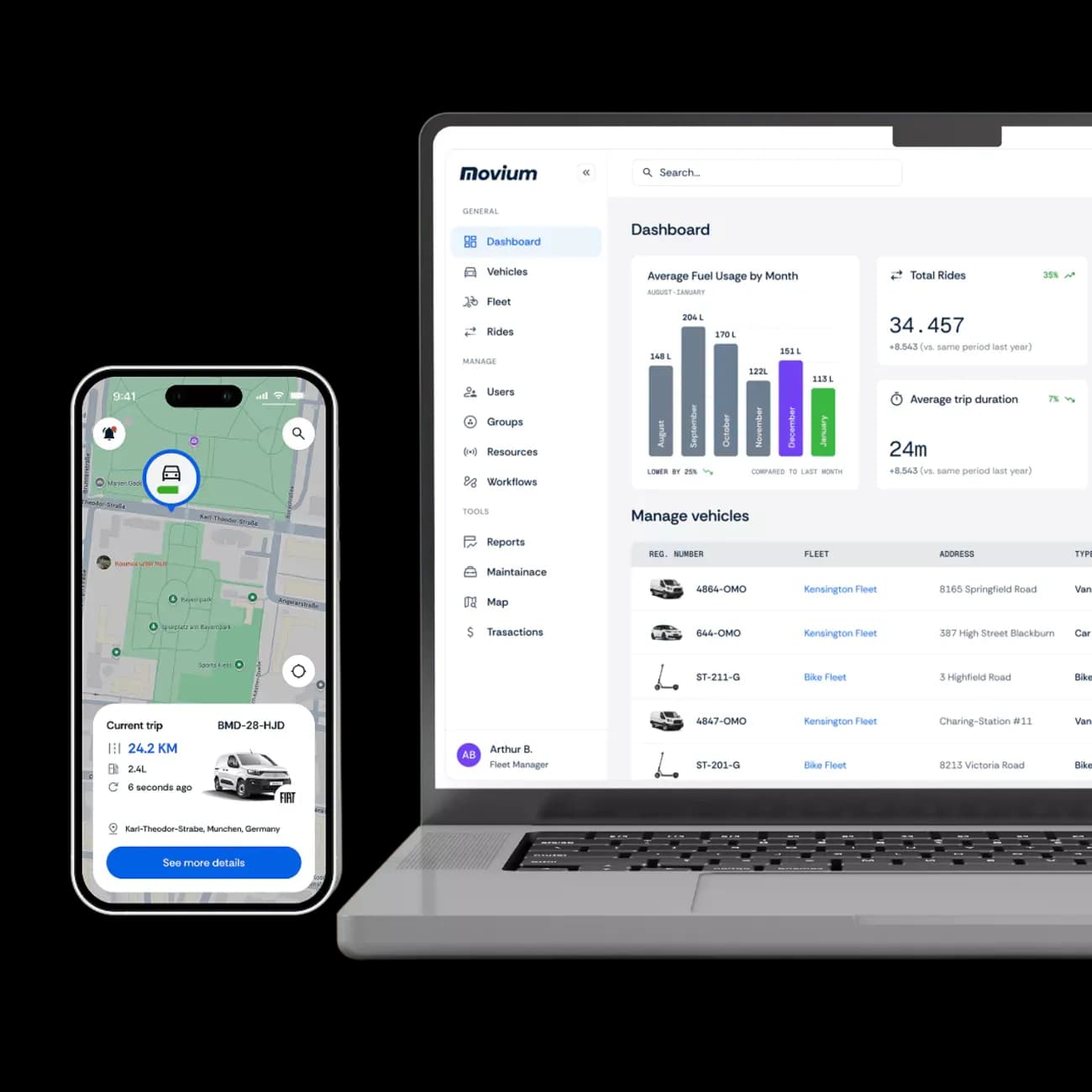
Employees can find and book available vehicles based on time, location, or vehicle type within a car sharing fleet management system. Clear booking rules prevent overlaps and ensure fair access across teams without involving fleet managers in daily requests.

Digital Vehicle Access
Authorized users can unlock and start vehicles using a mobile app or connected access hardware. This removes the need for physical key handovers and allows vehicles to be accessed at different locations or outside standard office hours.

Structured Trip Start and End
Trips follow a defined flow from start to completion, capturing key data such as duration, mileage, and usage purpose. This structure reduces misuse, improves accountability, and ensures reliable data for reporting and internal cost allocation.
Shared Corporate Fleets
How Movium Supports Corporate Car Sharing
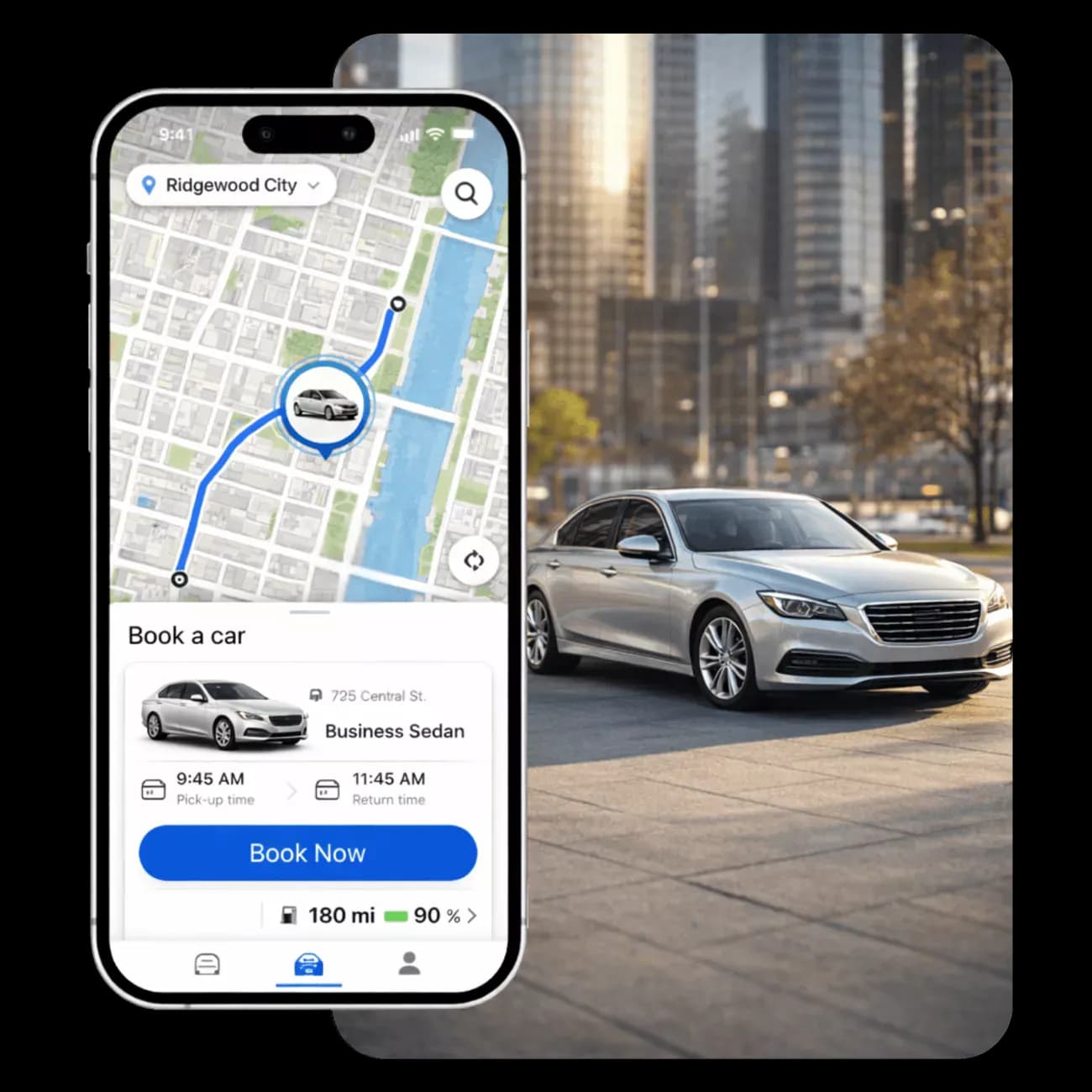
Movium provides a single system for car-sharing fleet management, covering booking, access, vehicle data, and reporting across corporate fleets, regardless of vehicle type or location.

Centralized Fleet and User Management
Manage vehicles, users, and access rules from a single platform. Fleet teams can define who can book which vehicles, set permissions by role or department, and maintain a clear overview across locations without manual coordination.

Mobile and Desktop Booking
Employees can reserve vehicles in advance or on demand using a mobile app or web interface. Clear availability, booking rules, and confirmations reduce conflicts while ensuring vehicles are used according to company policies.

Real-Time Vehicle Status and Location
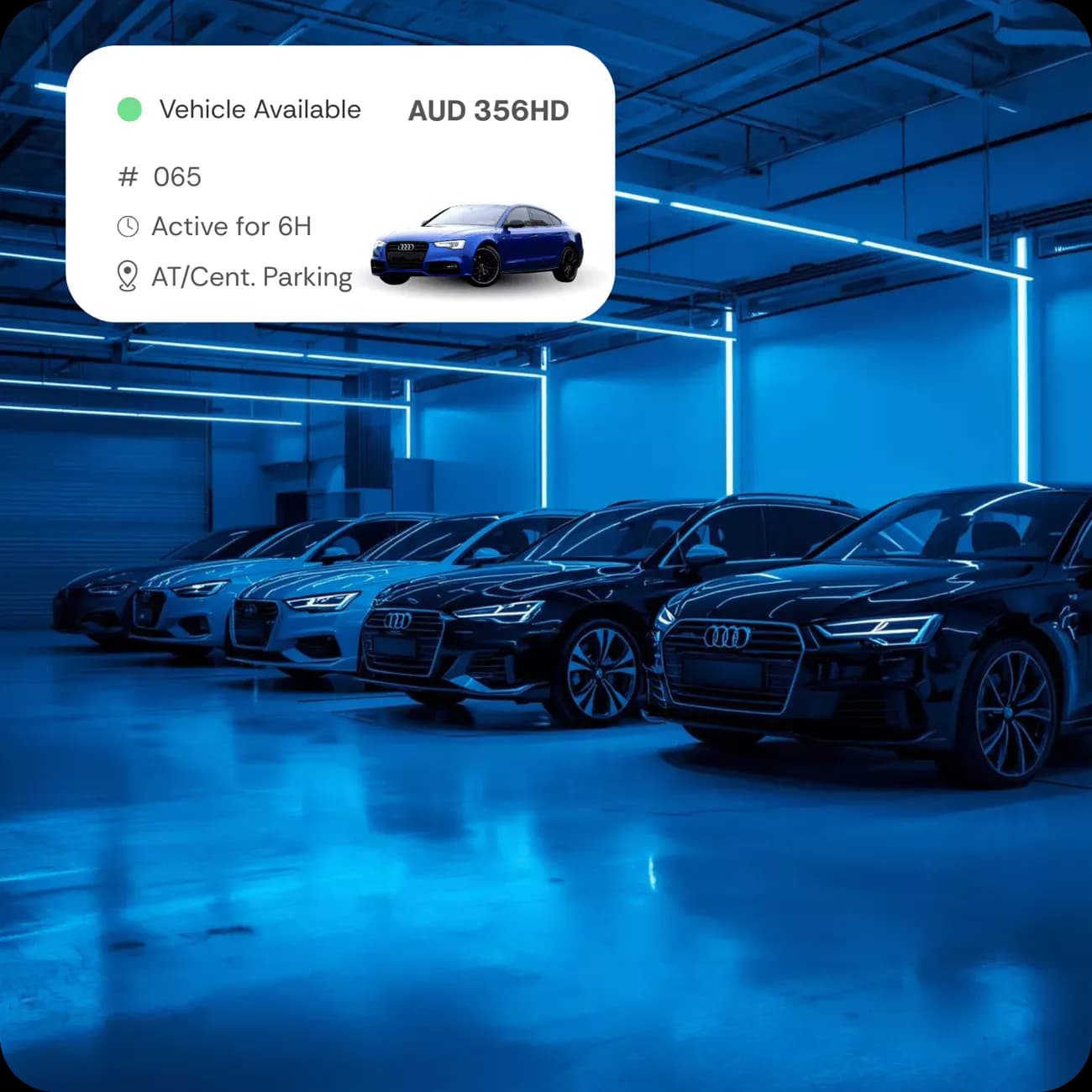
Monitor where vehicles are, whether they are available, in use, or require attention across fleet sharing operations. Live status data supports better planning, faster issue resolution, and informed decisions about fleet size and utilization.
Financial clarity built
Fleet Control That Aligns Operations and Finance

Cost Attribution
Assign trips to departments, projects, or cost centers to support internal chargeback and accurate budgeting.

Usage Reporting
Access structured reports on mileage, duration, and frequency to understand demand and identify optimization opportunities.

Utilization Insights
See how often vehicles are used, when they sit idle, and where capacity can be reduced or reallocated.

Operational Oversight
Maintain visibility across all shared vehicles to support planning, audits, and ongoing fleet decisions.
corporate vehicle sharing solution
Features for Fleet Management and Corporate Car Sharing

Role-Based Access
Define who can book and use vehicles by role, department, or location to ensure controlled access and clear responsibility across the organization.
Vehicle Booking
Allow employees to reserve shared vehicles in advance or on demand, with clear availability and rules that prevent conflicts and misuse.

Digital Access
Enable users to unlock and start vehicles through a mobile app or connected systems, removing the need for physical keys or manual handovers.

Live Vehicle Status
View real-time information on whether vehicles are available, in use, or offline, supporting better planning and faster operational decisions.

Policy Enforcement
Apply booking rules, time limits, and eligibility requirements to ensure vehicles are used consistently and in line with company policies.

Trip Tracking
Automatically capture trip data such as duration, distance, and purpose, creating a reliable usage record without manual input from drivers.
Cost Allocation
Assign trips to departments, projects, or cost centers to support internal chargeback and improve accuracy in mobility cost reporting.

Usage Reports
Access structured reports on utilization, mileage, and booking patterns to support audits, budgeting, and long-term fleet optimization.

Fleet Analytics
Analyze trends in demand, idle time, and vehicle usage to reduce excess capacity and align fleet size with actual business needs.
how to get started
From First Call to Car Sharing Fleet Management Operations

1. Book a discovery call
Let's connect to understand your unique fleet challenges and goals. Our team will guide you through key features, answer your questions, and explore the best-fit configuration for your business.
2. Receive a custom quote
Based on your fleet size, asset types, and system needs, we'll prepare a personalized proposal outlining your software package, hardware requirements (if any), and rollout timeline.
3. Install & Onboard
We coordinate hardware setup, integrations, and user access, whether remotely or on-site, ensuring everything is in place for a smooth launch. Your team receives full onboarding support and training
4. Track, Manage & Optimize
Once live, you can begin tracking vehicles, managing bookings, generating reports, and making data-informed decisions that reduce costs and boost efficiency, all from one centralized dashboard.
Frequently Asked Questions

contact us today
Plan Your Corporate Car Sharing Solution With Movium
Go the extra mile. Together